
Piego
PDF scanner for iPhone
From paper to a document you can find.
Notes, receipts, contracts. Piego turns them into searchable PDFs and keeps them in an archive on your iPhone, with cropping, filters and text recognition.
- Project
- An app by Nebello
- Year
- 2026
- Platform
- iPhone
- Availability
- App Store
The project
Scanning is just the first step.
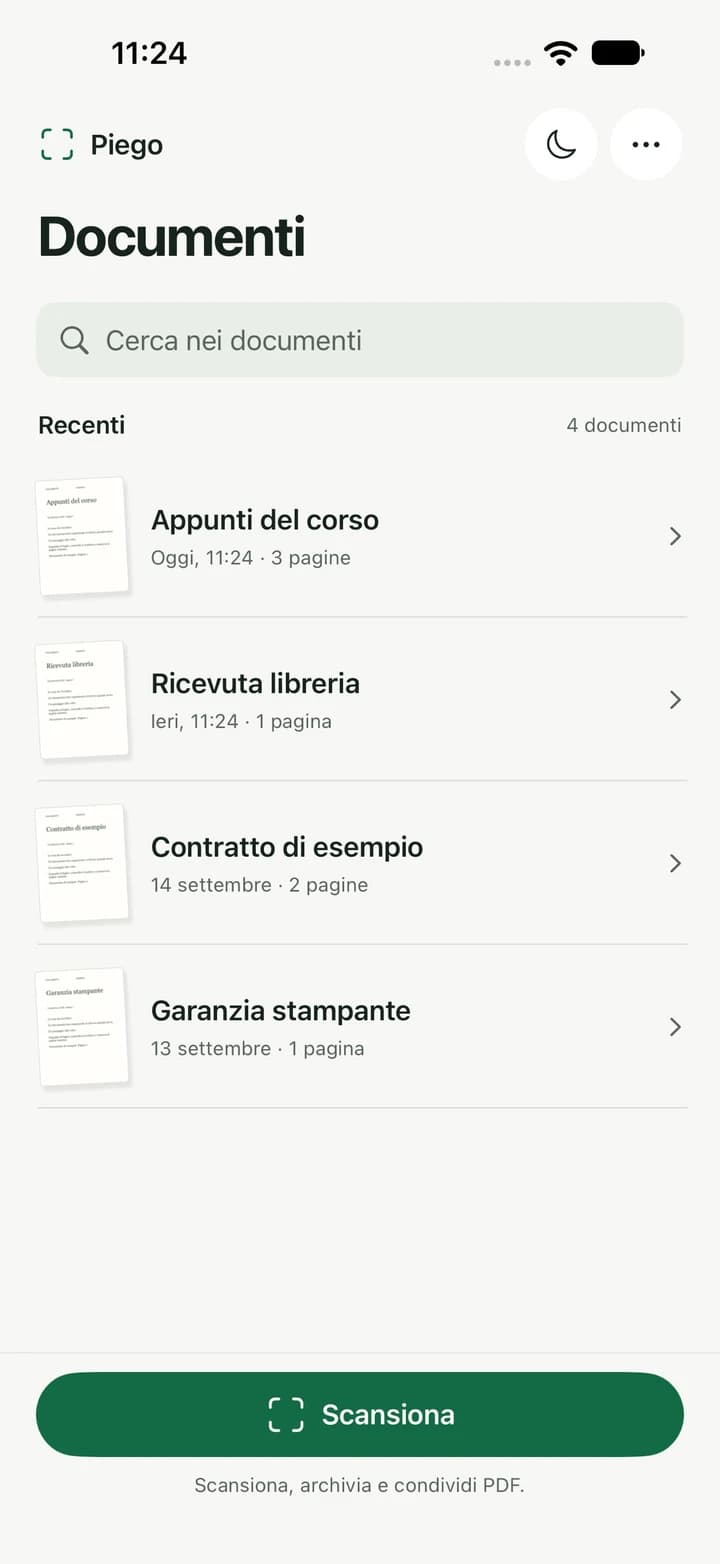
A receipt to keep, course notes, a contract to send. Taking a photo of paper is simple; finding the right document and using its content takes a few more steps. We built Piego to bring capture, review, search and export into the same workflow.
The archive keeps pages together. Text recognition lets you search inside documents and copy their content when you need it.
From capture to PDF
Adjust every page before saving.
Capture multiple pages manually or automatically. Check the edges, adjust the crop corners, rotate the page and choose Photo, Colour, Whiteboard or B&W.
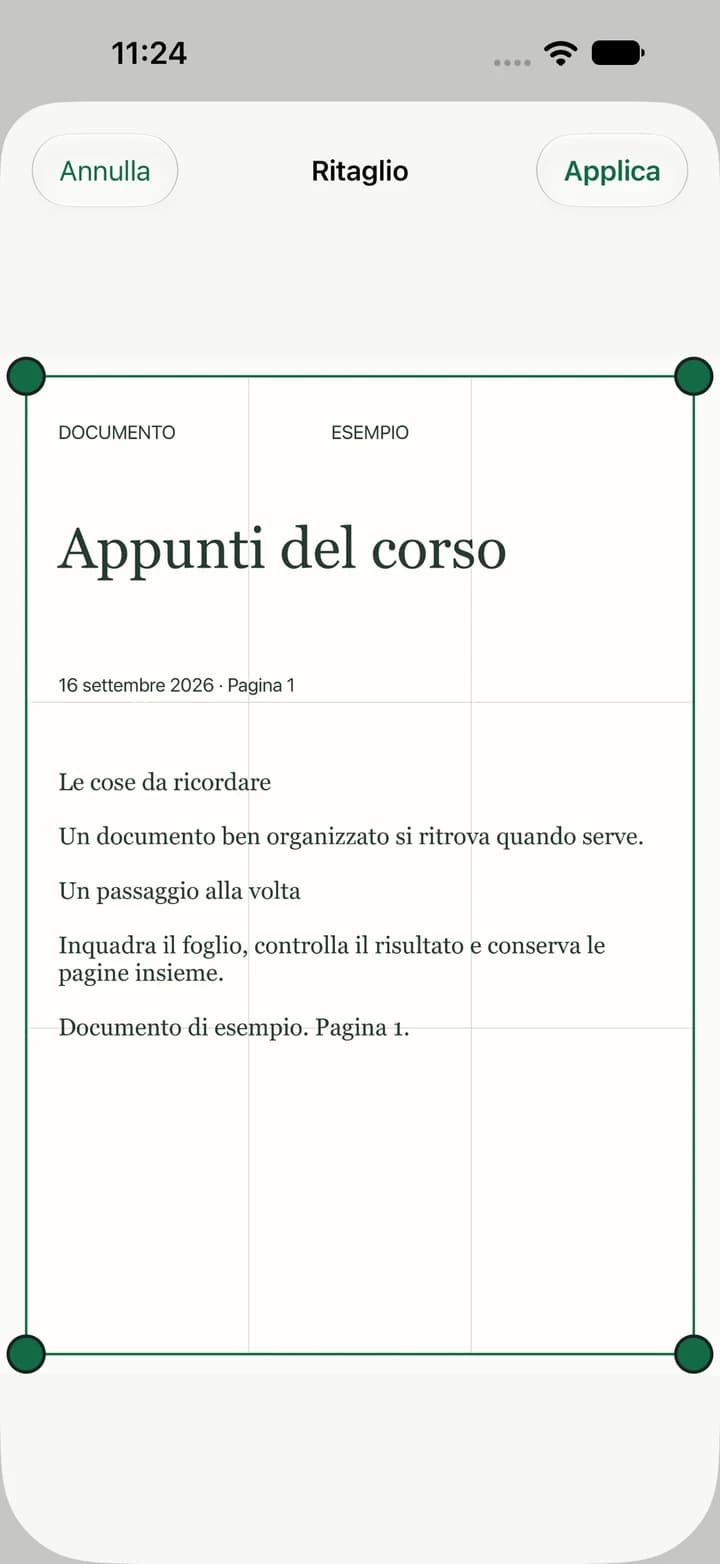
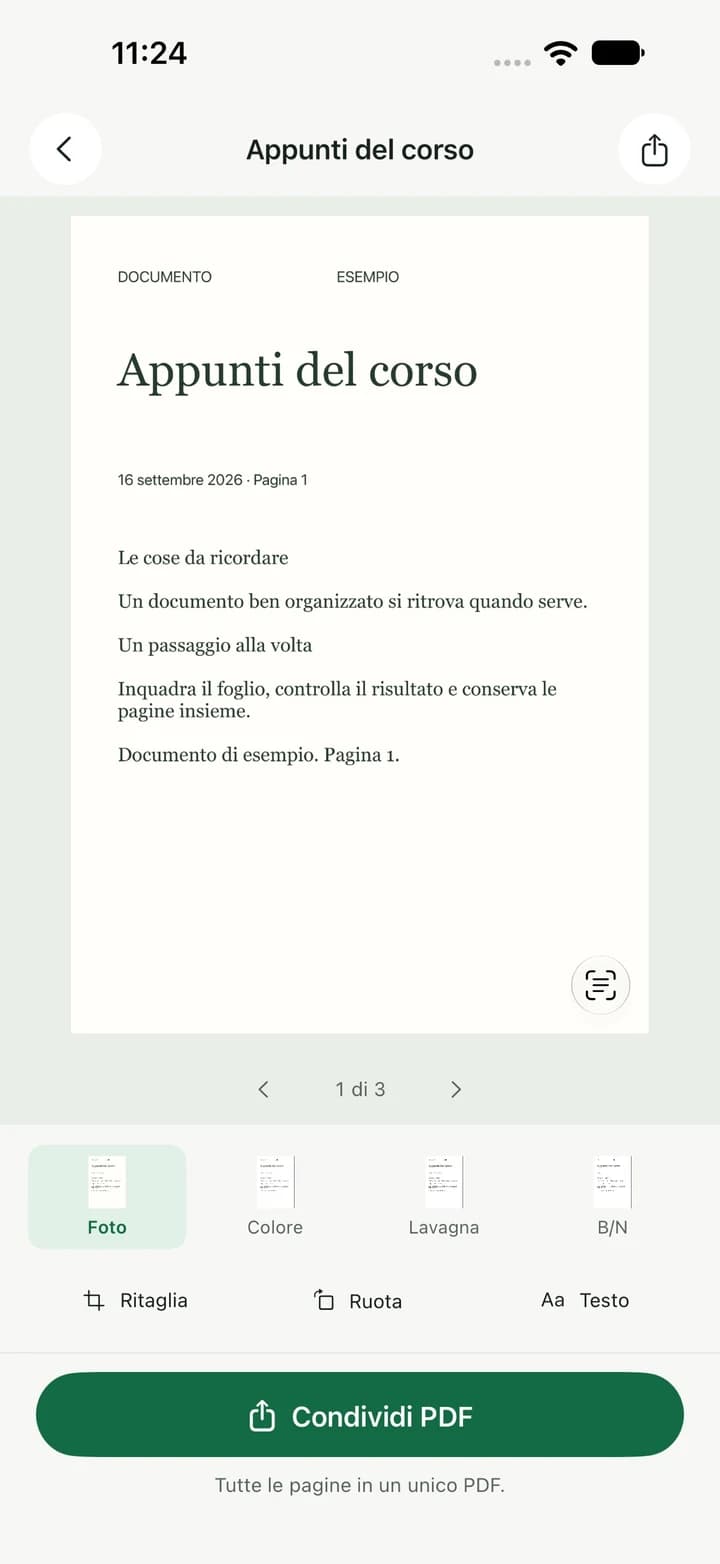
Official app screenshots with sample documents.
Text you can use
Search the content, not just the name.
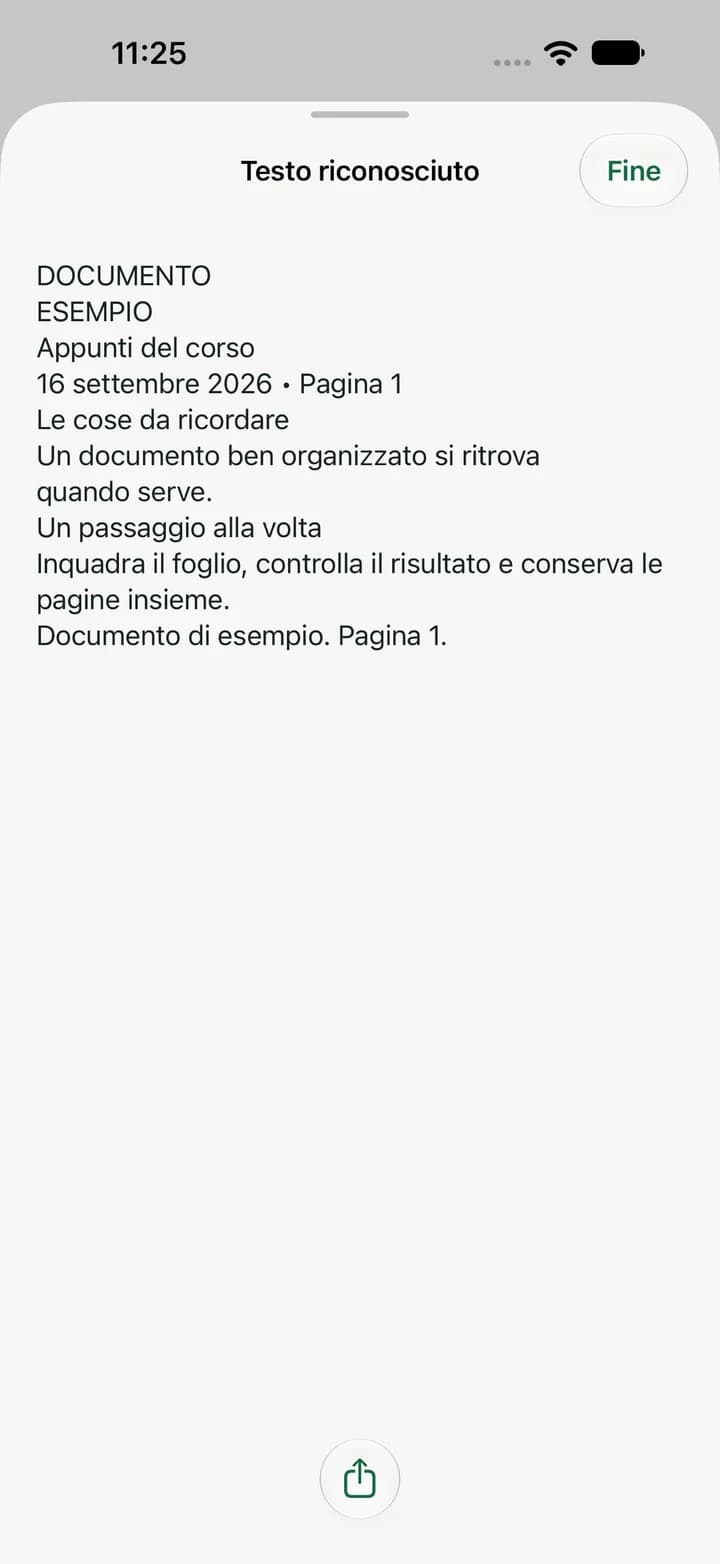
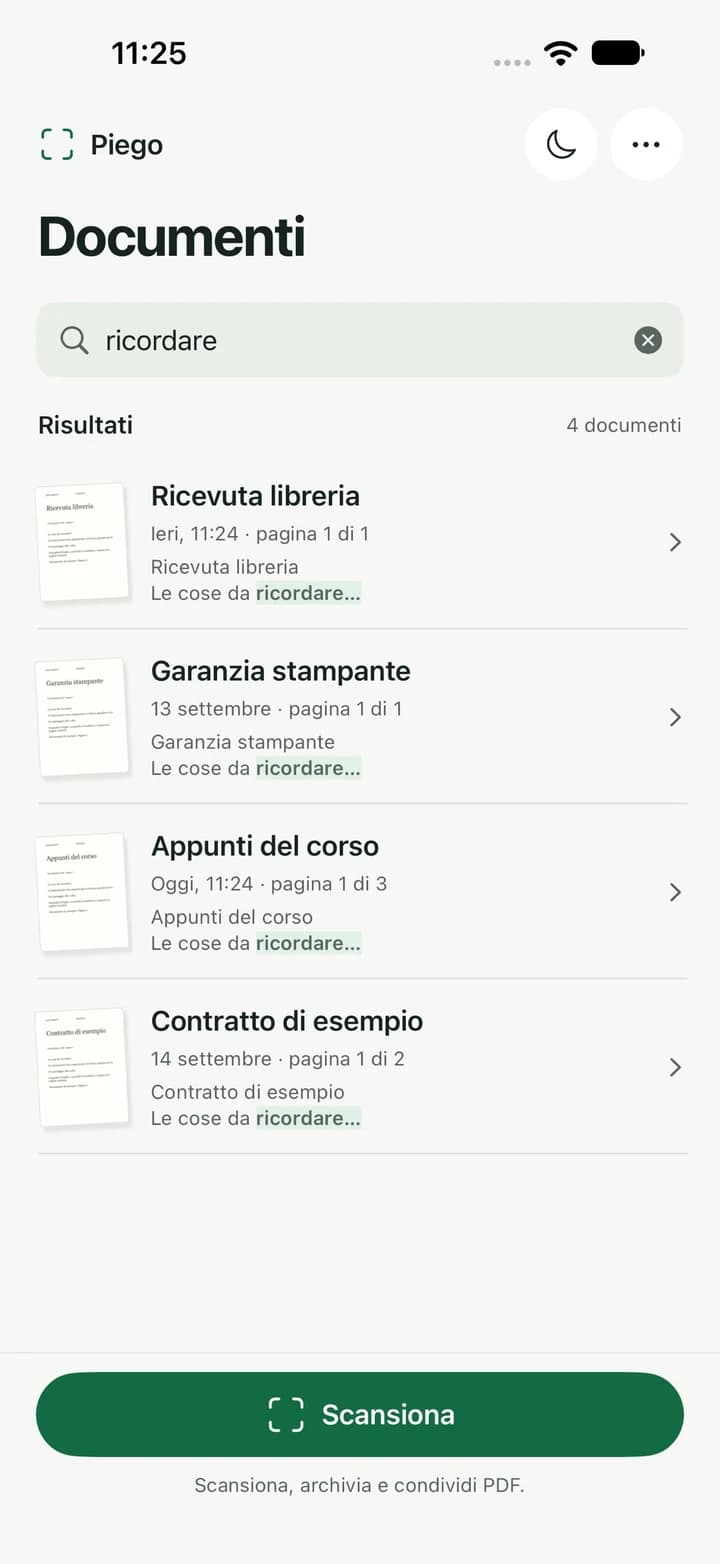
OCR recognises text on the pages and makes it available to search and copy. Find a document through the words it contains, even when you cannot remember its name.
An organised archive
Group documents in folders, add tags and search by name or content. Reopen and edit saved pages, then choose whether to save or discard your changes.
Searchable PDFs and images
Export a searchable PDF or JPEG images. When a document has multiple pages, its images are packaged in a ZIP file.
Share from your iPhone
Open the iOS share sheet, save to Files or choose an available app. Sharing and saving to Piego’s archive are separate actions.
On your device
Scanning, text and an archive on your iPhone.
Scanning, cropping, filters, OCR and PDF generation run on the device. No account is required, and the app does not send documents or recognised text to Nebello.
Shared copies follow the settings of your chosen destination. Nebello does not provide archive synchronisation; app data may be included in iOS backups depending on your device settings.
App privacy (Italian)Piego is on the App Store.
A Nebello product to scan, find and share documents from your iPhone.
Let's Create Something Great Together!
Have a project in mind? Let's talk. The first consultation is free.